Kool ERP logo Kool ERP
Feature-rich school ERP

Explore every module that powers a smarter school

Kool ERP combines academic management, attendance, communication, payments and analytics into a single polished platform built for schools that want speed and control.

View pricing Expand as your campus grows
08
Core modules
2-4 Weeks
Typical setup
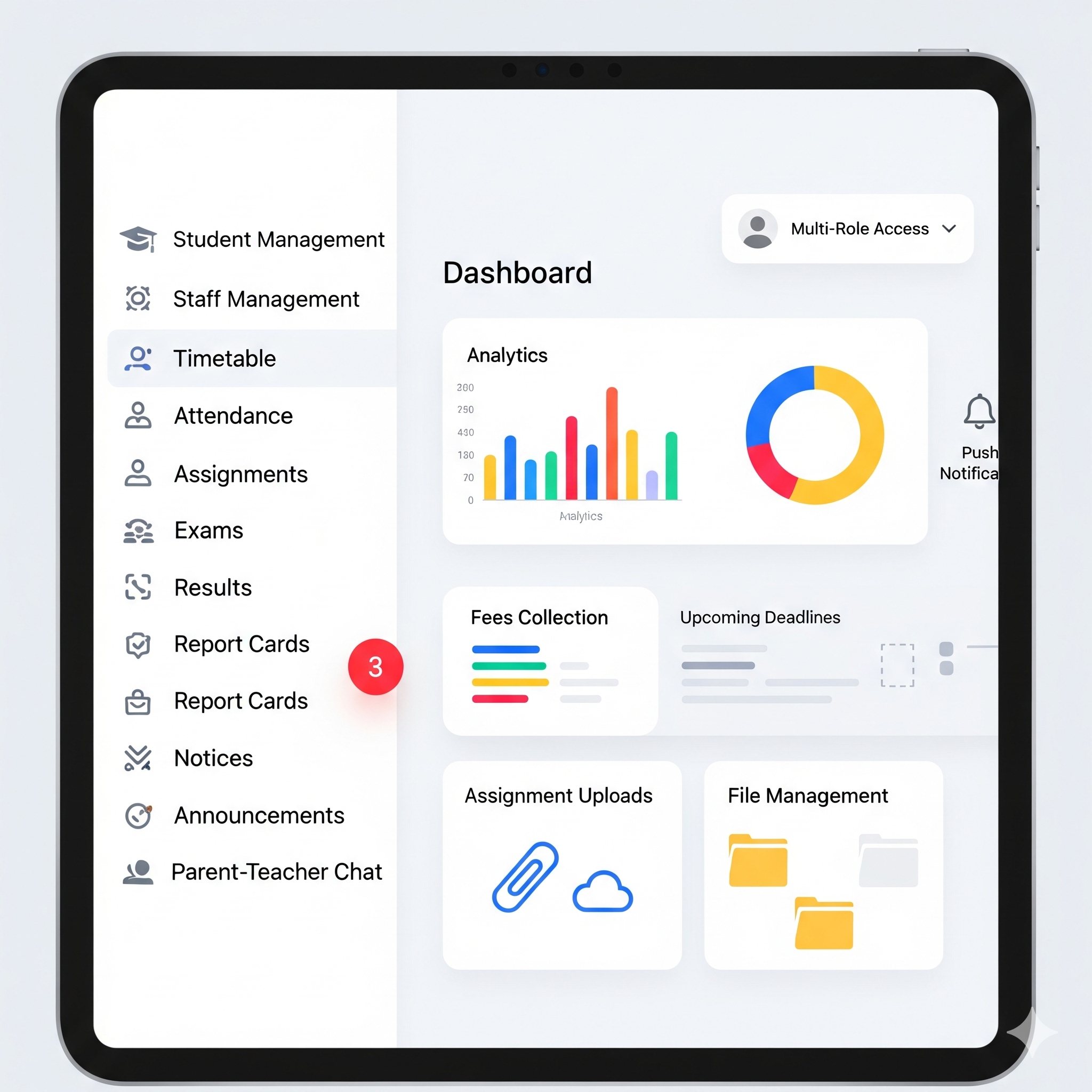
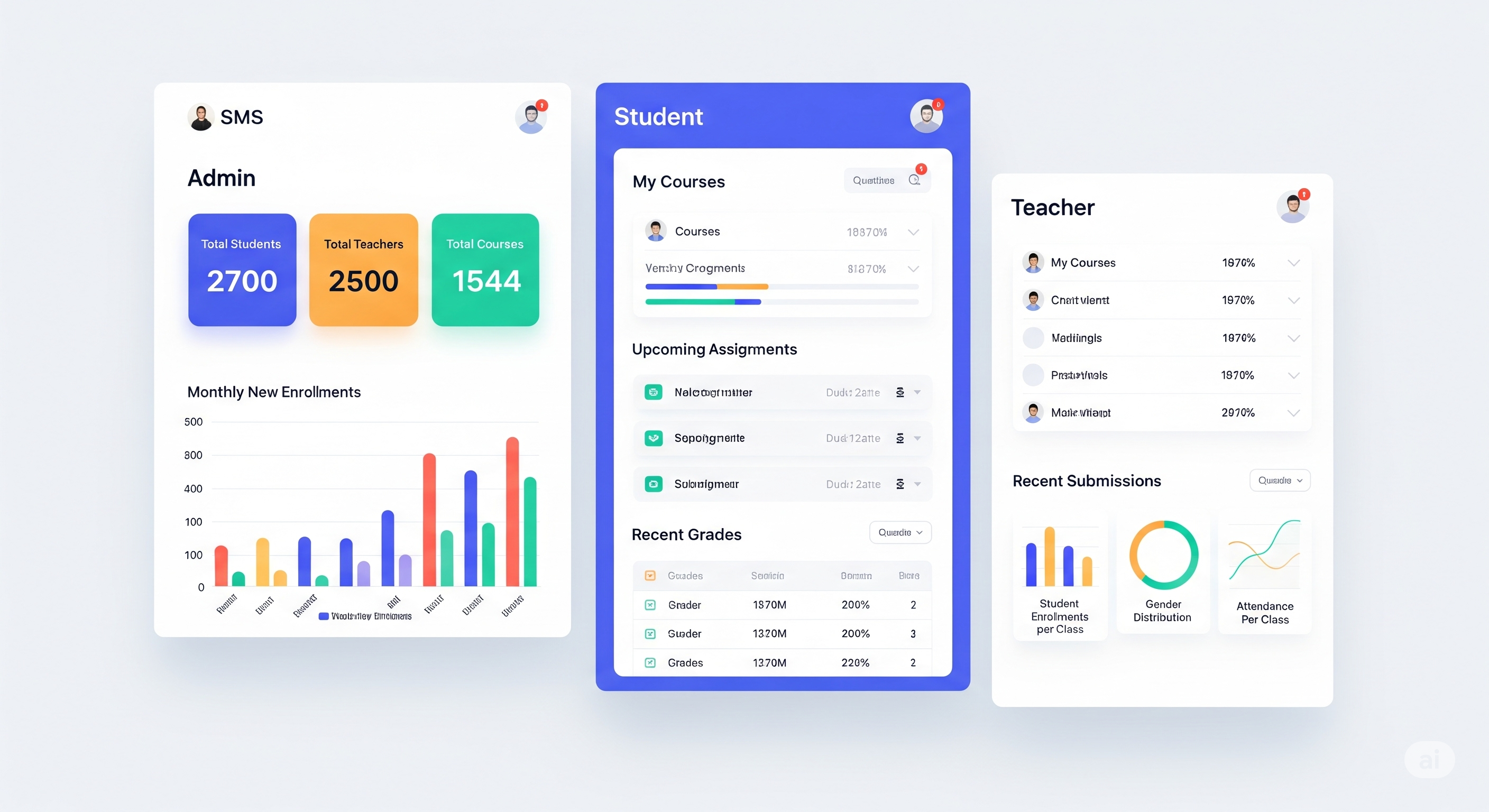
school management system dashboard illustration
Parents
Instant updates
Teachers
Smart workflow
Admin
Full control

Deep dive into the experience

The platform is built around practical school workflows that need clarity, speed and visibility.

Academic operations

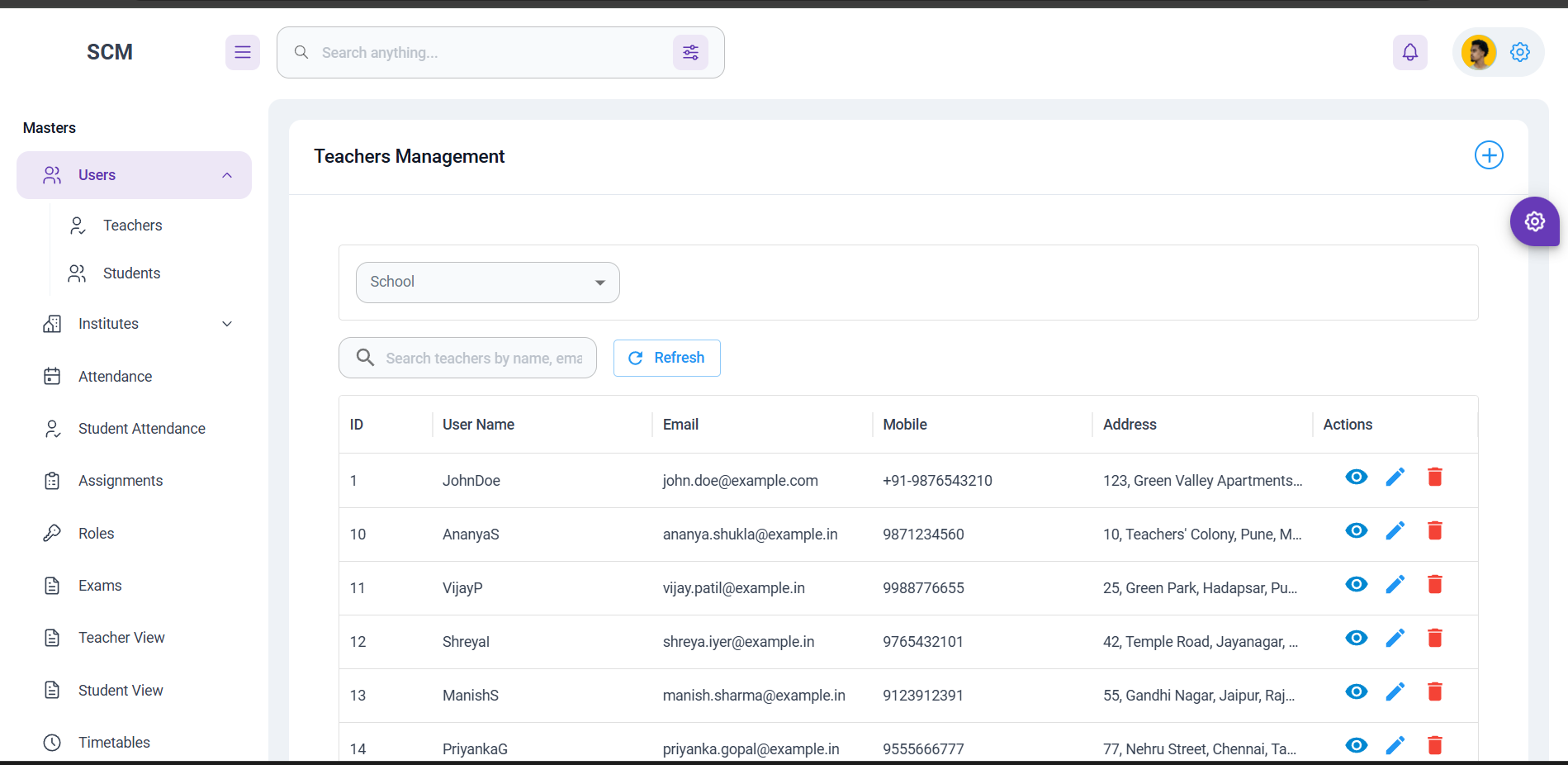
Manage students, staff and class structure in one place

Create a structured record system that keeps student profiles, staff details, class assignments and administrative information aligned across the platform.

Bulk import Quick search Role access Profile history
Daily execution

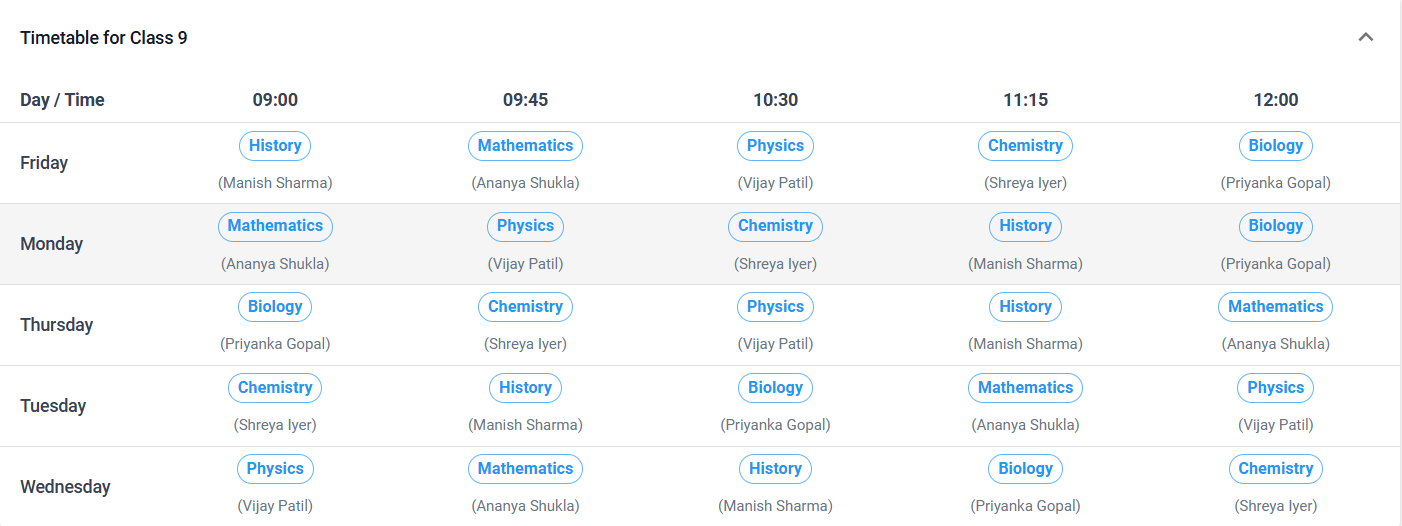
Timetable, attendance and assignments that stay in sync

Teachers can manage class schedules, mark attendance and share assignments without jumping between separate tools.

Real-time sync Homework tracking Daily visibility
Finance and communication

Keep payments, notices and reports moving together

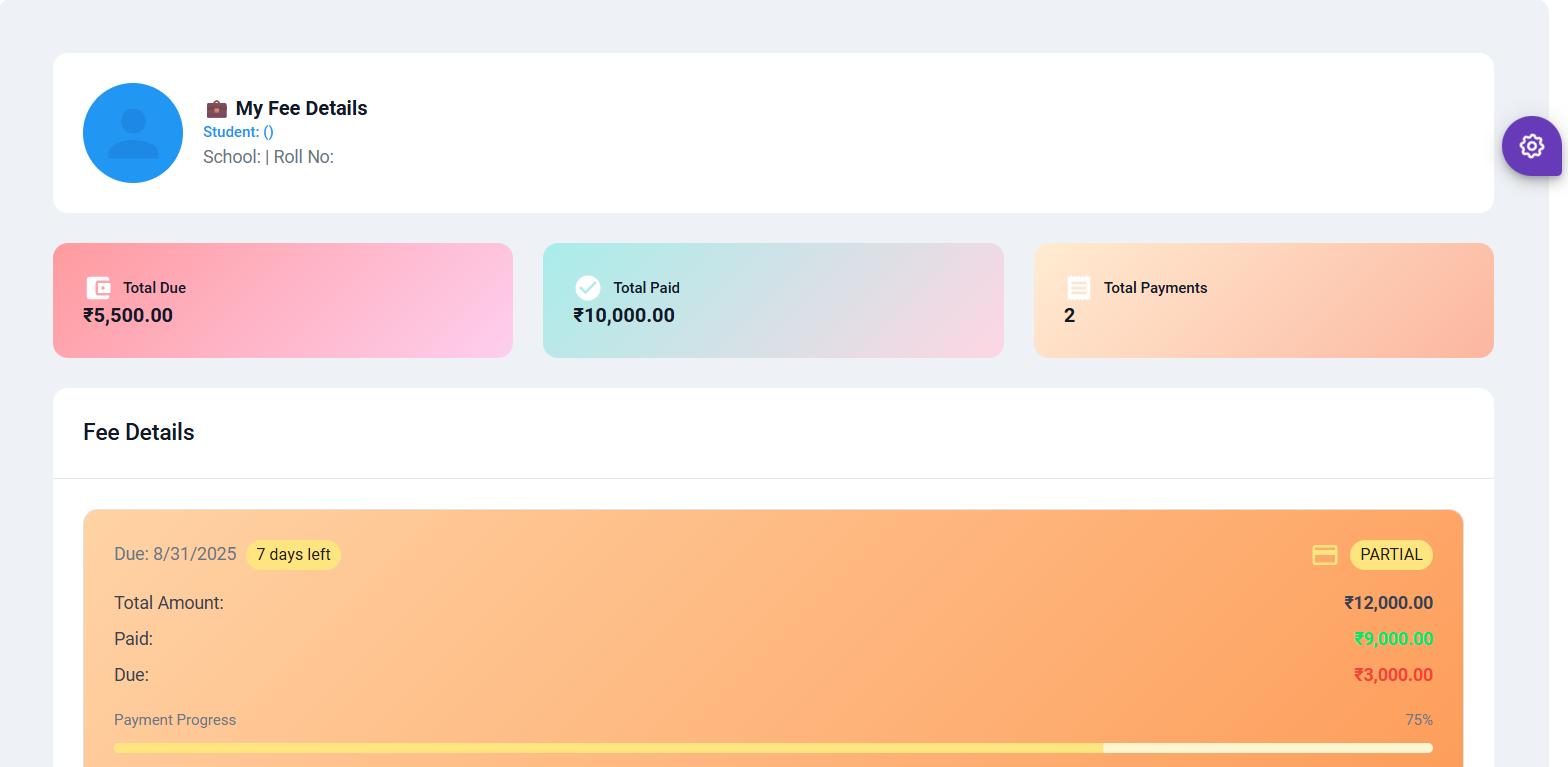
Bring fee reminders, payment tracking, notifications and analytics into a single reporting flow so admin teams can act faster.

Fee reminders Push alerts Insights Report cards
Fast setup

Launch in days

The platform is cloud-based, easy to roll out and built to keep your daily operations moving.

Secure

Privacy-first design

Role-based access and stable architecture keep school data protected and organized.

Insights

Analytics built-in

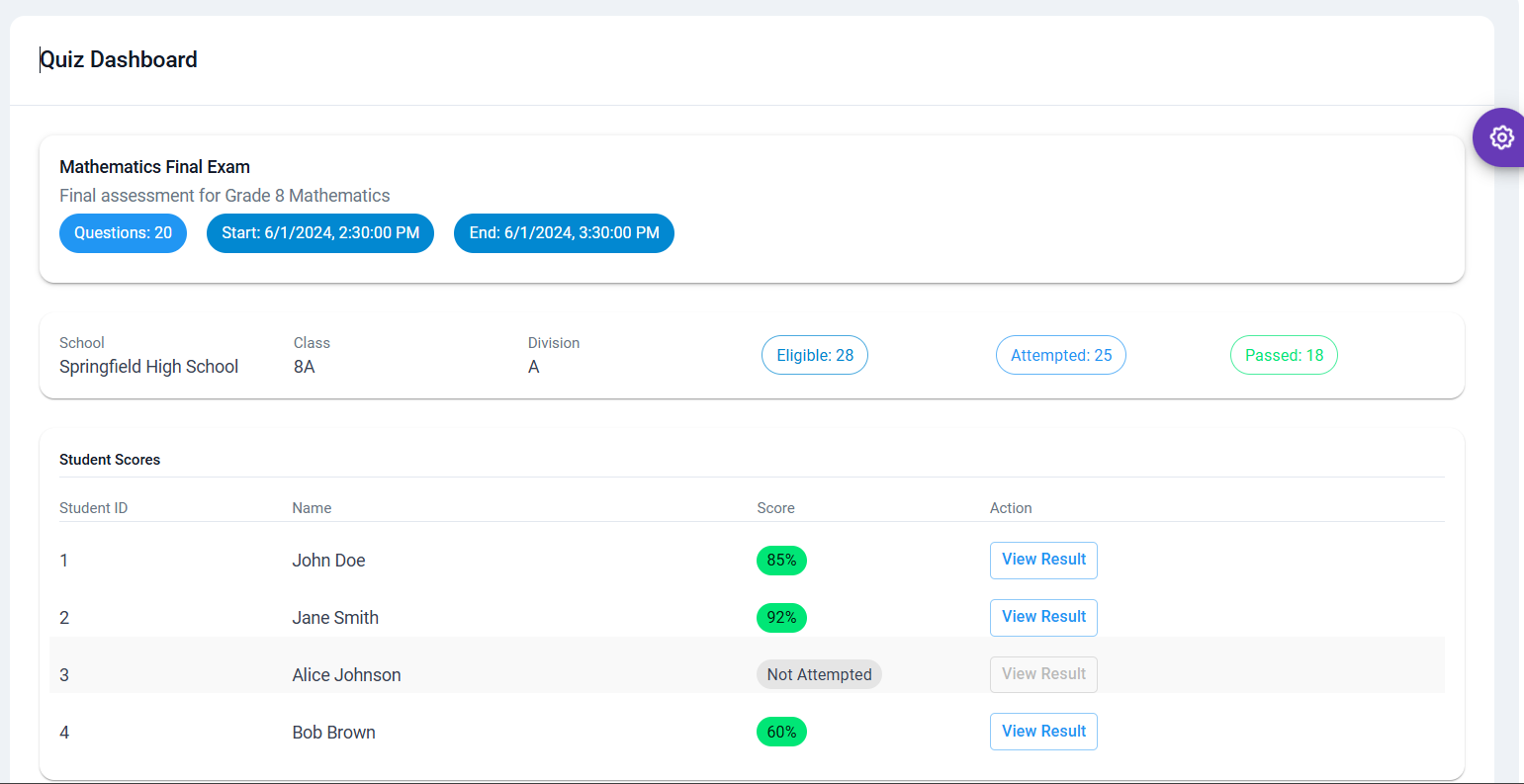
Track attendance, performance and fees in a clean dashboard your team can actually use.

How the rollout works

A simple path from setup to daily usage.

Step 01

Configure your school structure

Set up classes, sections, users and permissions so the platform reflects your real organization.

Step 02

Import records and launch modules

Move existing data in quickly, then activate attendance, exams, fees and communication workflows.

Step 03

Monitor, improve and scale

Use dashboards and reports to spot trends, improve processes and expand with confidence.

Ready to explore more

See the full product in one guided demo

We can walk you through the exact modules your school needs, show how data flows between them, and answer implementation questions.